Introducing Wempily Documentation: Your Complete Guide to Intelligent Project Management - Wempily
We're thrilled to announce the launch of Wempily Documentation — a comprehensive, multilingual documentation system designed to help you master intelligent project management. Whether you're just getting started or looking to unlock advanced features, our documentation is here to guide you every step of the way.
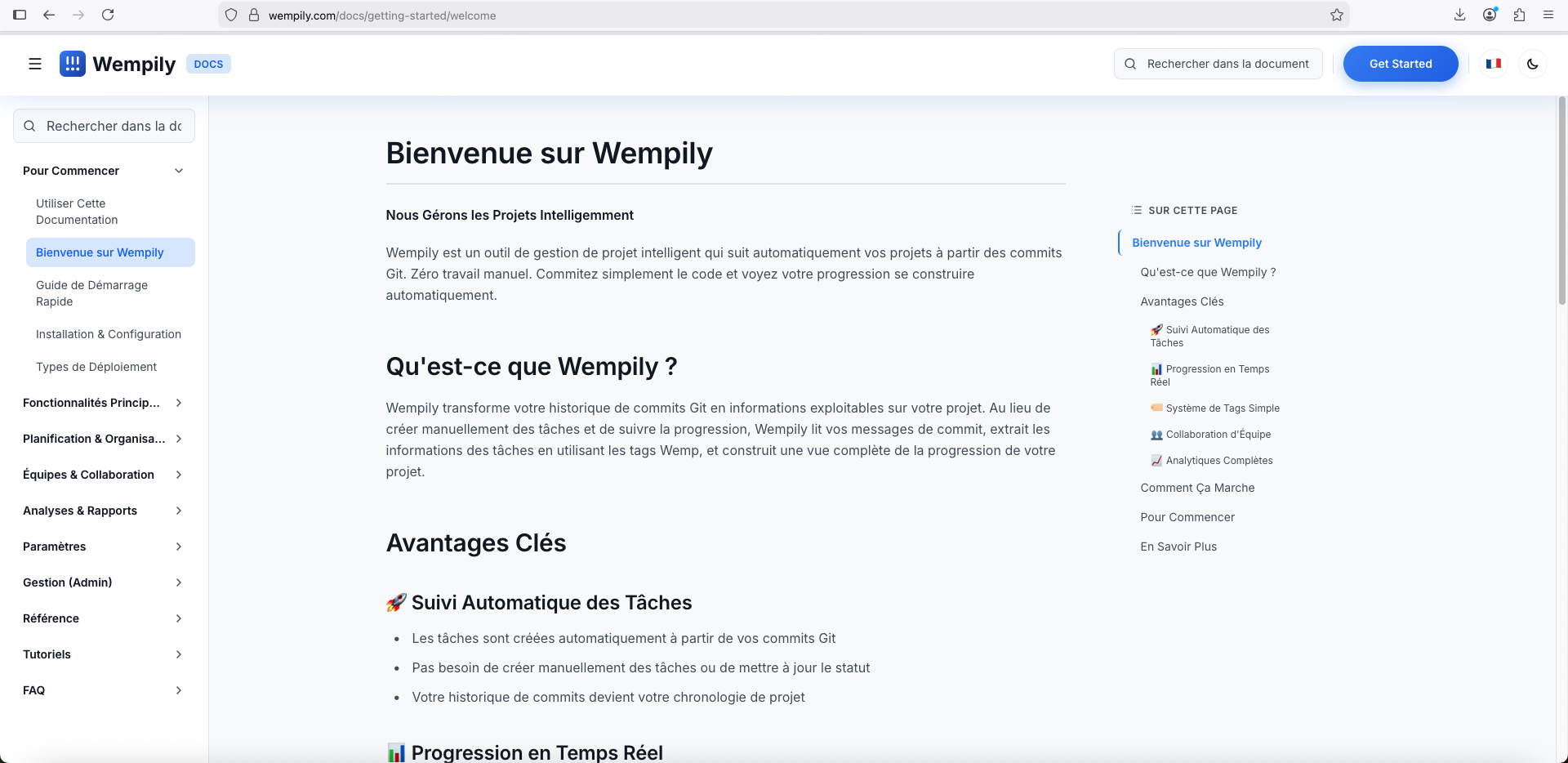
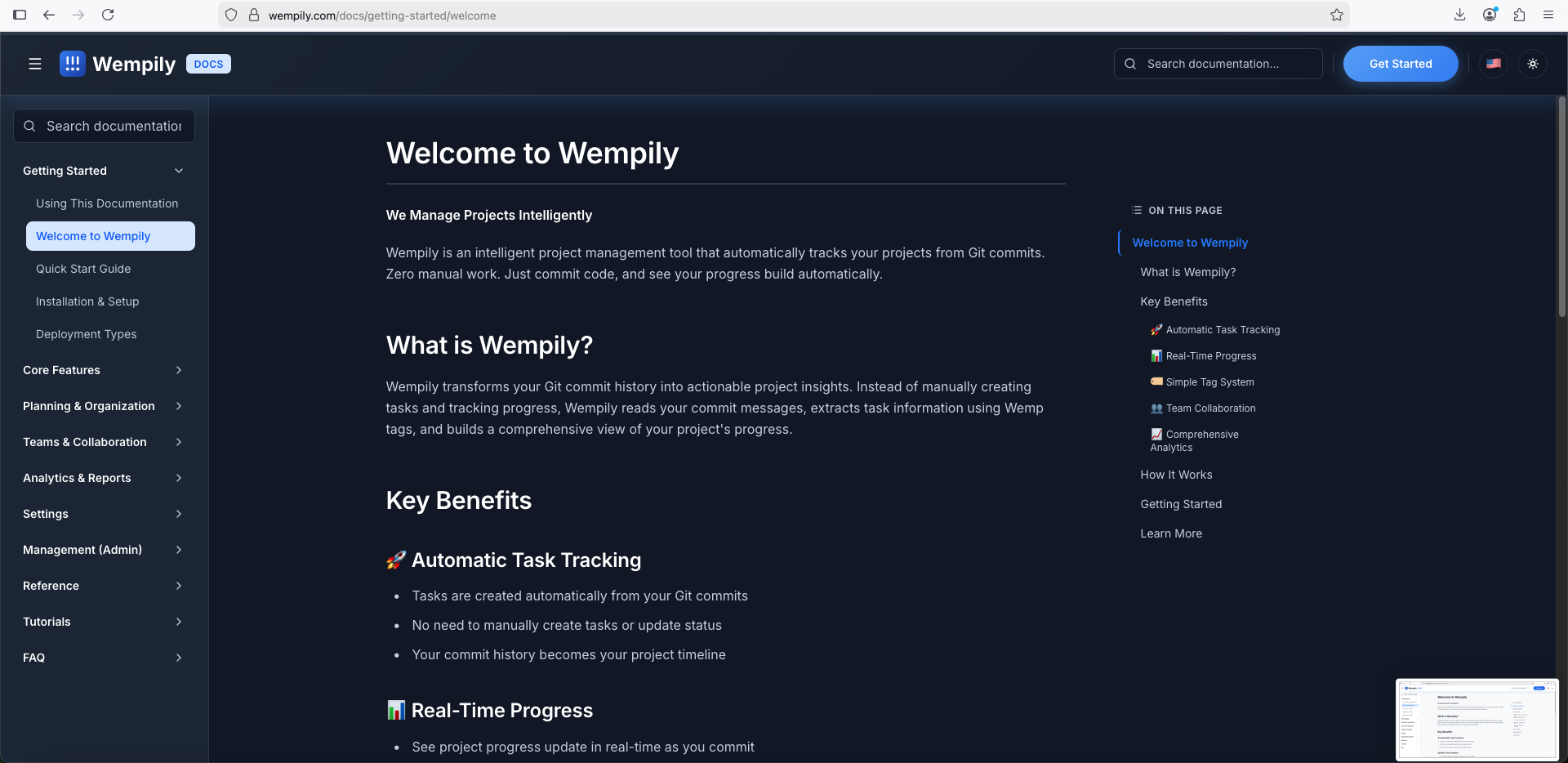
What Makes Our Documentation Special
Built for Developers, by Developers
We built this documentation system the same way we build everything: with attention to detail and a focus on developer experience. Every feature was designed to make your life easier, from the intuitive navigation to the powerful search capabilities.
Multilingual from Day One
Language barriers shouldn't prevent you from learning. That's why our documentation is fully bilingual, supporting both English and French from launch. Switch languages seamlessly — the content adapts automatically, and you can read everything in your preferred language.
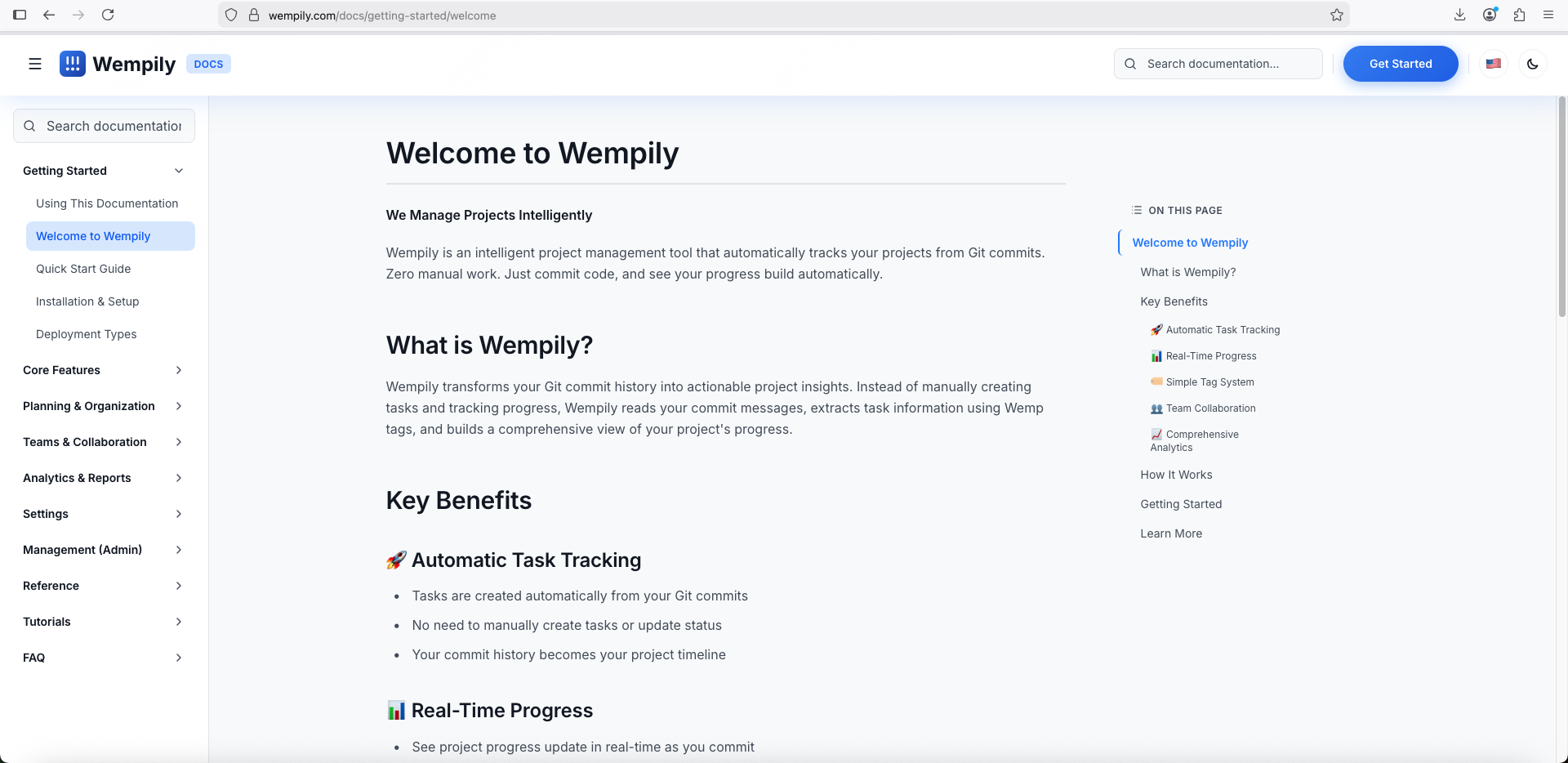
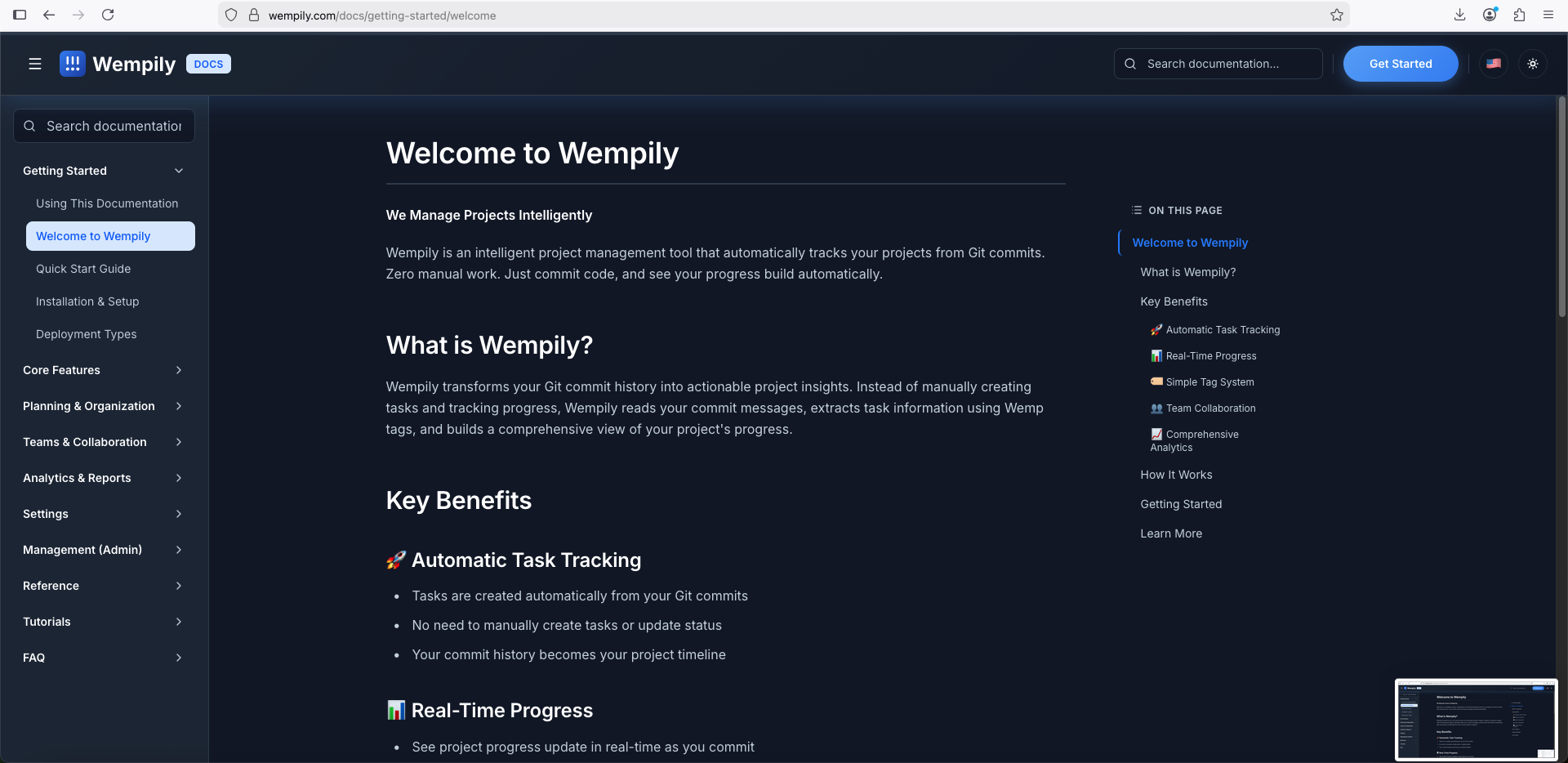
Global Search That Actually Works
Finding what you need shouldn't be a treasure hunt. Our global search feature searches across all documentation instantly, showing you relevant results with clean, readable excerpts. Type what you're looking for, and find it in seconds.
Smart Navigation
Our documentation features:
- •Sidebar Navigation: Organized by category, making it easy to explore different topics
- •Table of Contents: Automatically generated for each page, tracking your scroll position
- •Deep Linking: Share direct links to specific sections with hash fragments
- •Breadcrumb Context: Always know where you are in the documentation
What You'll Find
Getting Started
New to Wempily? Start here. Our getting started guides cover:
- •Installation and setup
- •Quick start tutorials
- •Understanding deployment types
- •Using the documentation itself
Core Features
Deep dives into Wempily's core functionality:
- •Dashboard: Understanding your project overview
- •Tasks: Automatic task creation and management
- •Projects: Organizing and tracking multiple projects
- •Pull Data: Syncing your repositories
- •Activity: Tracking progress and changes
Planning & Organization
Learn how to use Wempily's planning tools:
- •Planning workflows
- •Kanban boards
- •Gantt charts for timeline visualization
Teams & Collaboration
Everything you need to know about:
- •Team management
- •Collaboration features
- •Multi-user workflows
Analytics & Reports
Understand your project data:
- •Statistics and metrics
- •Progress tracking
- •Performance insights
Settings & Management
Configure Wempily to work your way:
- •Account settings
- •Notifications
- •Appearance customization
- •Security settings
- •Administrative management
Reference Materials
Quick reference guides for:
- •Wemp tags and commit message syntax
- •Keyboard shortcuts
- •API documentation
Tutorials
Step-by-step guides for:
- •Your first project
- •Advanced workflows
- •Best practices
FAQ
Answers to common questions:
- •General questions
- •Troubleshooting guides
- •Common issues and solutions
Key Features
Intuitive Interface
Our documentation interface is clean, modern, and distraction-free. Focus on learning without unnecessary clutter.
Responsive Design
Access documentation from any device — desktop, tablet, or mobile. The interface adapts beautifully to your screen size.
Dark Mode Support
Work comfortably in any lighting condition. Our documentation supports both light and dark themes, automatically matching your system preferences.
Fast and Reliable
Built with performance in mind. Pages load quickly, search is instant, and navigation is smooth.
Always Up to Date
As Wempily evolves, so does our documentation. We keep it current with the latest features and best practices.
How to Use the Documentation
For New Users
- •Start with the Welcome Guide
- •Follow the Quick Start Guide
- •Explore features as you need them
- •Use search to find specific topics
For Experienced Users
- •Use global search to find specific information
- •Bookmark frequently referenced pages
- •Share links to specific sections with your team
- •Explore advanced features in the reference section
For Teams
- •Share documentation links in your team communications
- •Use the FAQ section to answer common questions
- •Reference tutorials when onboarding new team members
- •Keep the documentation bookmarked for quick access
Behind the Scenes
Building comprehensive documentation is no small feat. We've created:
- •41+ documentation pages covering every aspect of Wempily
- •Bilingual content in English and French
- •Global search indexing all content
- •Automatic TOC generation for easy navigation
- •Responsive design for all devices
All of this was built with the same philosophy that drives Wempily itself: make it automatic, make it intelligent, make it work for you.
What's Next
This is just the beginning. We're continuously improving our documentation based on your feedback. Upcoming enhancements include:
- •More language translations
- •Video tutorials
- •Interactive examples
- •Community contributions
- •Advanced search filters
Start Exploring
Ready to dive in? Visit our documentation and start exploring. Whether you're setting up your first project or looking to master advanced features, we've got you covered.
Questions? Feedback? We'd love to hear from you. Use the search feature to find answers, or reach out through our support channels.
The Wempily Documentation is built to help you succeed. Start exploring today and discover how intelligent project management can transform your workflow.